
Status at a glance
| Route | Status (18 Oct 2026) | Model files | Source |
|---|---|---|---|
| A. Official OpenMOSS plugin | Available. Search “MOSS-Image” in ComfyUI Manager, or copy the folder. An example workflow ships with it. | Diffusers folder from Hugging Face (transformer, text encoder, tokenizer, VAE) | Plugin README |
| B. Native ComfyUI support | Merged into master on 16 Oct 2026 (PR #17095). The tagged release v0.41.0 predates that merge, so you need a current master or nightly build until the next release. | Comfy-Org single files: diffusion model, Qwen3.5-9B text encoder, FLUX.2 VAE | PR #17095 |
| C. Community repacks | int8, int4, GGUF, and Turbo files appeared within two days. None are official. | Various | Hugging Face search |
Route A, from the plugin README
- Install the nodes in ComfyUI Manager, or copy comfyui/moss-image/ into ComfyUI/custom_nodes/moss-image/ and restart.
- Download MOSS-Image-Base or SFT as a folder, about 27.2 GB. The loader reads local files only.
- Drag moss-image.json from example_workflows into ComfyUI.
- Set model_path on the MOSS-Image HF Loader node to that folder.
- The example is preset to 50 steps, CFG 3, shift 5, negative-branch skip at layer 22, Euler, 1024×1024.
The README notes that weight_dtype controls DiT precision, the VAE runs in FP32, and text encoding is capped at 4,096 tokens. ComfyUI's scheduler differs slightly from the standalone pipeline, so identical seeds will not match official images exactly.
Route B: native ComfyUI
- A model type for the 5B DiT, with LoRA key mapping.
- moss_image as a text-encoder type (Qwen3.5-9B).
- An experimental MOSS-Image Layout Prompt node that writes the same centre-origin JSON as our layout builder.
ComfyUI/models/
  diffusion_models/  moss_image_sft_bf16.safetensors (10.16 GB)
                     or moss_image_sft_int8_convrot.safetensors (5.41 GB)
  text_encoders/     qwen3.5_9b_int8_convrot.safetensors (9.75 GB)
                     or qwen3.5_9b_w4a8_gptq.safetensors (7.34 GB)
  vae/               flux2-vae.safetensors (0.34 GB)
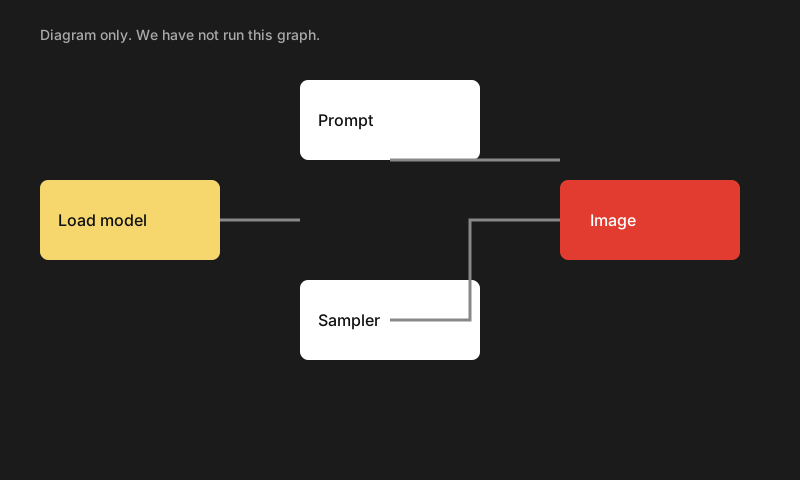
Sizes are from the Hugging Face file listing. Because we have not run this graph, we do not invent a node-by-node recipe.
VRAM
OpenMOSS has not published a minimum VRAM figure. Full-precision files total about 27.2 GB. Treat any “runs on X GB” claim as unverified until OpenMOSS or your own test confirms it.
Which route
- Documented path today: Route A.
- ComfyUI nightly, smaller int8 files, layout node: Route B.
- No suitable GPU: use Generate or the online options.
Sources
- Official MOSS-Image ComfyUI plugin README
- ComfyUI PR #17095 “feat: Add MOSS-image support”
- ComfyUI releases
- Hugging Face – Comfy-Org/MOSS-Image (repackaged files)
- Hugging Face – OpenMOSS-Team/MOSS-Image-Base
- Hugging Face – OpenMOSS-Team/MOSS-Image-SFT
- OpenMOSS/MOSS-Image on GitHub (README)
Facts checked 2026-10-18.